

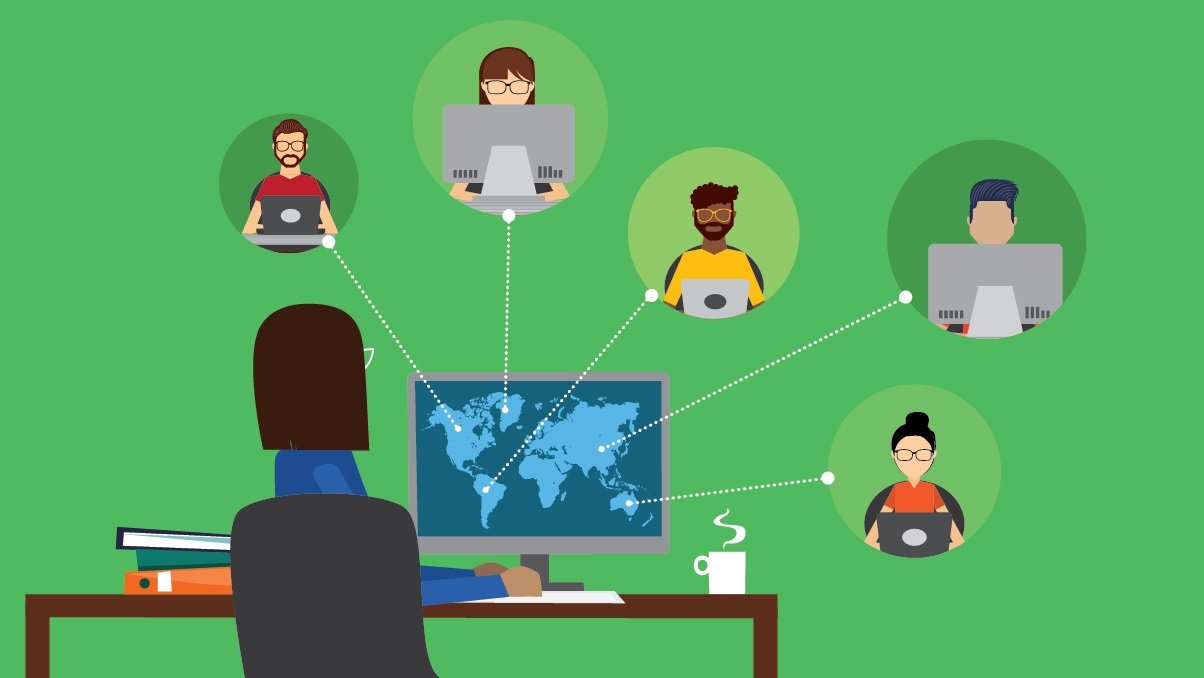
Remote work changed faster than anyone’s infrastructure could keep up with. One week everyone’s at their desks with company laptops plugged into the network, the next week they’re scattered across time zones trying to access the same applications from whatever device they happen to own. IT departments that had spent years perfecting their on-site setups suddenly found themselves managing a completely different problem.
The old approach to software delivery was built around physical proximity. Applications lived on servers in the building, or got installed directly onto company-managed computers. Updates happened during maintenance windows when everyone was offline. Security meant controlling the network perimeter. That whole model assumes people are working from predictable locations with standardized equipment, which describes almost nobody’s situation anymore.
The Installation Problem Nobody Wants to Talk About
Here’s what used to happen: IT would roll out new software by either imaging machines with the applications pre-installed or pushing updates through management tools. This worked fine when everyone used identical hardware and sat in the same building. Now picture trying to install specialized Windows software onto 150 different employee devices spread across different operating systems, home networks with varying security configurations, and connection speeds that range from fiber to whatever barely functional WiFi someone’s using at a coffee shop.
The traditional method creates a support nightmare. Someone’s Mac can’t run the Windows application they need. Another person’s personal laptop doesn’t meet the system requirements. A third employee just bought a new computer and needs everything reinstalled, but the IT team has no direct access to set it up. Every installation becomes a troubleshooting session, every update risks breaking something, and keeping track of licenses across all these devices turns into its own full-time job.
When the Network Is No Longer Yours to Control
Security gets complicated when the corporate network boundary disappears. Applications that were designed to run safely inside a protected environment now need to function across public internet connections. Data that used to stay on company servers gets downloaded to personal devices that might not have proper encryption or backup systems. Employees working from shared spaces or traveling internationally add another layer of exposure.
The knee-jerk reaction is to lock everything down with VPNs and strict access controls, but that often just makes work harder without actually solving the security problem. VPNs slow down connections, create their own technical support issues, and still don’t address the fact that sensitive data ends up scattered across devices the company doesn’t control. There’s got to be a better approach than making everyone jump through hoops while still leaving gaps in protection.
Virtual Delivery Changes the Equation
This is where IT teams started looking at different options for how software actually reaches employees. Instead of installing applications on individual devices, the applications run on centralized servers and stream to users through their web browsers or lightweight clients. The software never actually lives on the employee’s machine, which solves several problems at once.
For organizations dealing with Windows applications specifically, solutions that use Graphon for virtual apps can handle the delivery without requiring complete infrastructure overhauls. The applications stay on servers where IT maintains control, but employees access them from whatever device they’re using. Updates happen once on the server side instead of 150 times across individual machines.
This approach means a graphic designer using a Mac can access Windows-only software without dual-booting or running resource-heavy virtualization on their local machine. The accountant working from an iPad during travel can still use the company’s specialized financial applications. Nobody’s asking IT to support a dozen different configurations because the actual computing happens in one controlled environment.
The Cost Reality Beyond Licensing
Traditional software delivery carries costs that don’t show up in the initial license purchase. There’s the time IT staff spends managing installations and troubleshooting environment-specific issues. There’s the need for more powerful employee devices to run resource-intensive applications locally. There’s bandwidth consumption when large application files get downloaded repeatedly across multiple machines.
Hardware refresh cycles become more expensive when every employee needs a high-spec machine to run demanding software locally. Companies end up buying processing power that sits idle most of the time because applications require it for peak usage scenarios. With centralized delivery, the computing power lives on servers that can be scaled more efficiently based on actual demand rather than theoretical maximum requirements.
Support costs drop significantly when IT only needs to maintain one version of each application in one environment. When something breaks, there’s one place to fix it instead of diagnosing why it works on some machines but not others. When updates roll out, they happen once. The reduction in “it works on my machine” scenarios alone saves substantial time and frustration.
What This Actually Looks Like in Practice
Companies implementing this shift report some consistent patterns. Initial setup takes planning since it requires thinking differently about application architecture and user access. The payoff comes in reduced ongoing maintenance and the ability to onboard new employees much faster. Someone starting work can access everything they need within hours instead of waiting days for equipment provisioning and software installation.
Performance concerns come up frequently, but modern implementation handles this better than earlier attempts at application streaming. Users typically can’t tell the difference between a locally installed application and one running virtually, assuming the server infrastructure is properly sized. Internet connectivity matters more than it used to, though most solutions handle temporary disconnections reasonably well.
The transition works best when IT teams map out which applications actually need this treatment versus which ones work fine as traditional installs. Web-based tools don’t need special delivery systems. Standard productivity software might work either way. The big wins come with specialized Windows applications, legacy software that’s difficult to maintain across different environments, and tools that handle sensitive data requiring extra security controls.
Making the Shift Without Breaking Everything
Moving to virtual delivery doesn’t mean ripping out existing infrastructure overnight. Most IT teams phase the transition, starting with applications that cause the most support headaches or security concerns. They keep traditional delivery methods for applications where it makes more sense, building a hybrid approach that uses the right tool for each situation.
The main hurdle isn’t usually technical complexity but rather changing how people think about software deployment. IT staff need to learn new management approaches. Employees need to understand they’re accessing applications differently even though their daily experience stays largely the same. Getting buy-in from leadership requires demonstrating how this solves real problems rather than just being a technology change for its own sake.
Remote work exposed the limitations of software delivery methods that assumed everyone would always be sitting at a desk in the office. IT teams responding to this reality are finding that centralized virtual delivery solves problems they didn’t even realize they could fix, while making remote access actually sustainable instead of just barely functional.
