

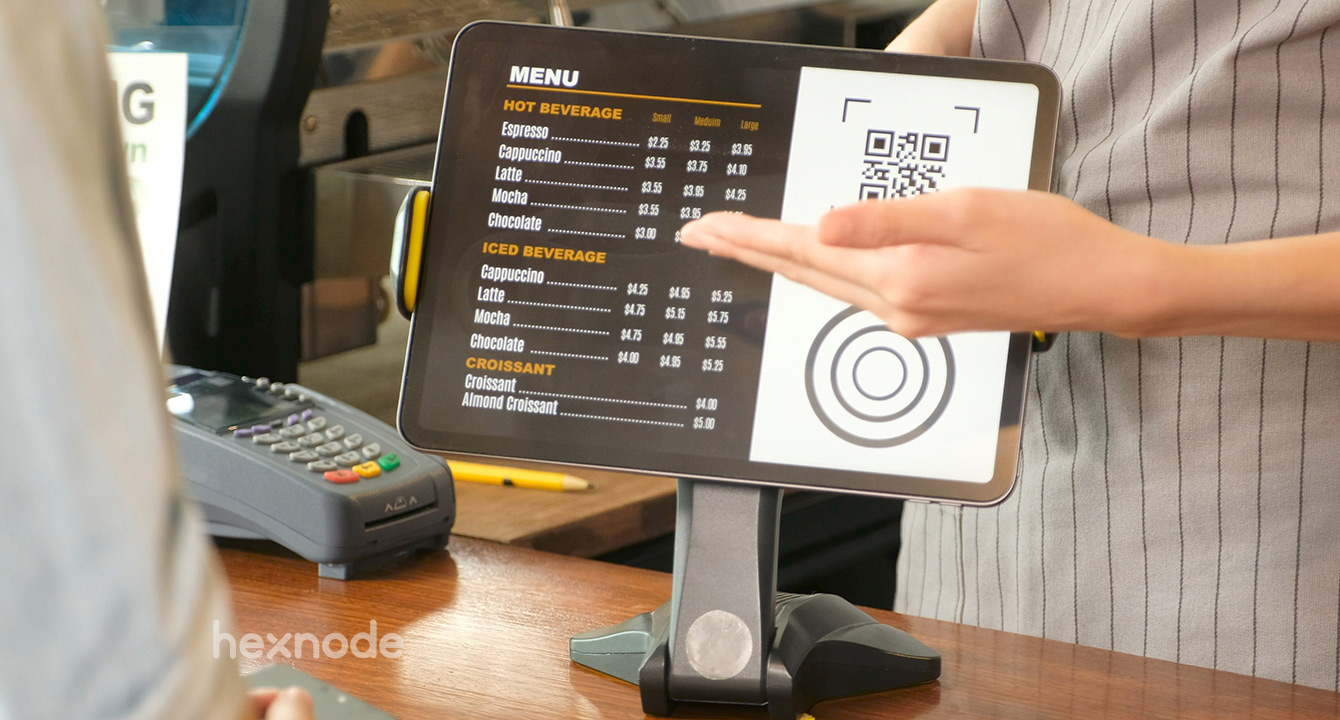
In today’s experience-driven world, businesses and institutions are constantly on the lookout for ways to deliver better, faster, and more secure interactions with their customers and users. Whether it’s a self-check-in counter at a clinic, a product catalog in a retail store, or a registration booth at a conference, iOS kiosk solutions have emerged as a gold standard for delivering secure and streamlined user experiences.
By leveraging iPads or iPhones in kiosk mode, organizations can create intuitive, purpose-built interfaces that ensure users interact only with specific content or applications—no distractions, no security risks, and no operational confusion. These kiosks not only improve user engagement but also streamline internal operations and reduce staff burden.
What Is an iOS Kiosk?
An iOS kiosk refers to an iPad or iPhone configured to run a specific app—or a set of apps—in a locked-down mode. This is typically achieved using Apple’s Guided Access, Single App Mode, or Mobile Device Management (MDM) tools.
- Guided Access is ideal for single-device deployments and small-scale use cases. It allows users to disable hardware buttons and lock the device to one app manually.
- Single App Mode, enabled via MDM, is suited for enterprise environments where dozens or hundreds of devices need to be locked to a specific function remotely.
Both options prevent unauthorized access, improve focus, and ensure the device does only what it’s meant to do—act as a kiosk.
Security: Built-In, Not Bolted On
Security is a major concern in any public-facing or high-traffic environment. iOS kiosk solutions are built with Apple’s robust security infrastructure at their core. From secure boot processes to app sandboxing, Apple devices are designed to keep data safe.
When deployed in kiosk mode:
- Users cannot exit the assigned app or access other settings or data.
- Hardware buttons can be disabled, preventing tampering.
- Data is encrypted, both at rest and in transit.
- Remote device management through MDM allows IT teams to update software, change settings, or even lock or wipe a device if it’s lost or stolen.
These features make iOS kiosks ideal for industries like healthcare, finance, and education—where compliance and privacy are non-negotiable.
Streamlined Experiences for Every User
A well-designed iOS kiosk eliminates confusion. Whether it’s a tech-savvy millennial or a senior citizen who’s less comfortable with digital tools, iPads offer a familiar, easy-to-navigate interface that anyone can use with little to no instruction.
Businesses can customize the user interface to:
- Offer touch-based navigation
- Display large, readable buttons
- Present content in multiple languages
- Provide guided workflows and prompts
This ensures users complete their tasks quickly and independently, reducing wait times and enhancing satisfaction.
Use Cases Across Industries
- Retail
iOS kiosks in retail stores can serve as digital catalogs, customer feedback portals, or self-service checkout counters. Shoppers can browse inventory, compare products, and place orders—all without requiring staff assistance. - Events & Exhibitions
At conferences, trade shows, and pop-up shops, iPads used as kiosks streamline check-ins, lead collection, and attendee engagement. They can also serve as interactive display stations for product demos and presentations. - Healthcare
Clinics and hospitals use iOS kiosks to reduce administrative workload. Patients can use them to check in, update insurance info, or fill out medical history forms—keeping lines moving and reducing data entry errors. - Hospitality
Hotels use iPad kiosks for check-ins, concierge services, local guides, and guest feedback collection. The devices offer a modern touch while making the guest experience seamless. - Education
Schools and universities implement iOS kiosks for student check-ins, digital directories, library searches, or even learning modules—delivering education and services efficiently while keeping students focused.
Easy Management and Scalability
Managing multiple kiosks across locations might seem complex, but Apple’s ecosystem makes it remarkably simple. With MDM tools like Jamf, Kandji, or Mosyle, organizations can:
- Enroll devices in bulk
- Push app updates and content
- Monitor device health and usage
- Remotely lock or reset devices
This centralized control ensures consistent performance and appearance across all kiosks, even in large-scale deployments.
Advantages Over Other Kiosk Systems
iOS kiosks stand out for several reasons:
- Premium hardware: iPads are known for their sleek design and long battery life.
- Consistent performance: iOS devices are optimized to run smoothly, reducing crashes and user frustration.
- Broad app ecosystem: Thousands of kiosk-ready or custom enterprise apps are available on the App Store or can be built to suit unique needs.
- Secure architecture: iOS’s built-in security features reduce vulnerabilities significantly.
Final Thoughts
As customer expectations continue to rise, businesses need tools that not only meet these demands but exceed them. iOS kiosk solutions provide a secure, scalable, and user-friendly platform for delivering frictionless experiences across retail, events, healthcare, hospitality, and more.
By investing in iPads and leveraging Apple’s robust ecosystem, organizations can create kiosks that are not just functional—but elegant, reliable, and ready for the future.
